The app is damaged: Gatekeeper on a Mac
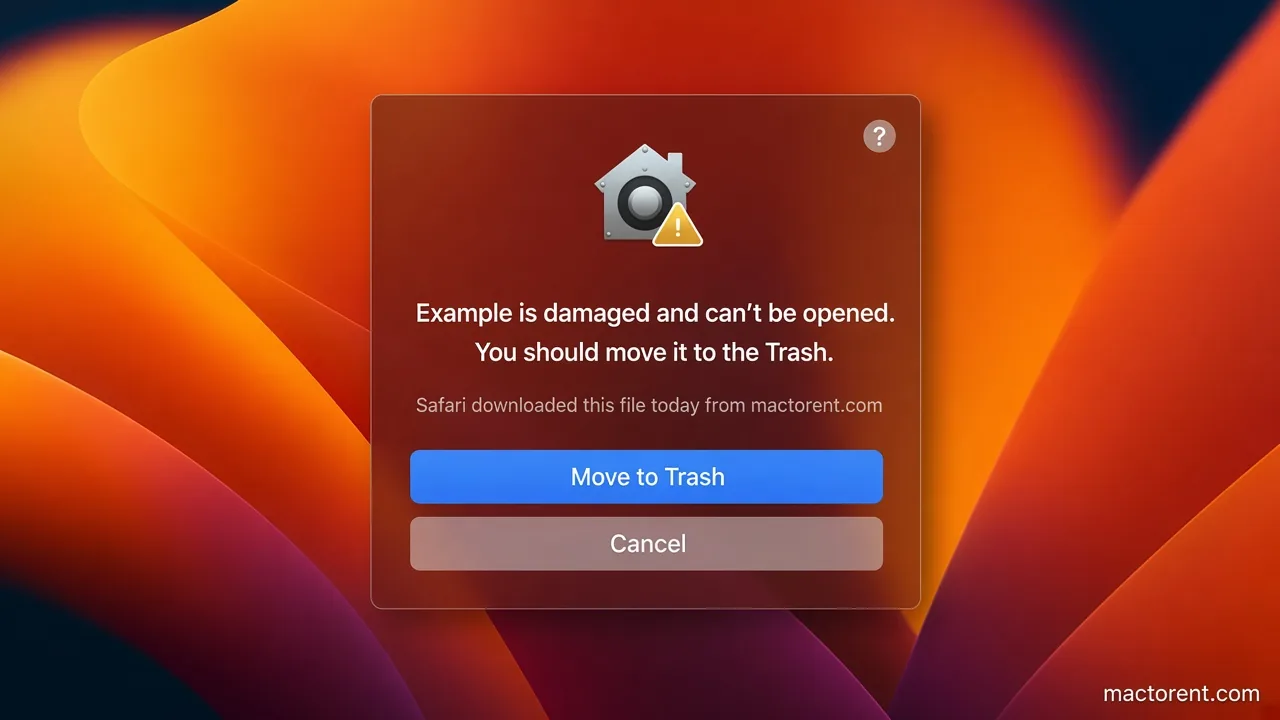
Gatekeeper is the macOS check that an app is allowed to open. If the app was changed after it was signed, or if it came from outside the App Store and still has a quarantine flag, macOS says it is damaged and will not open it.
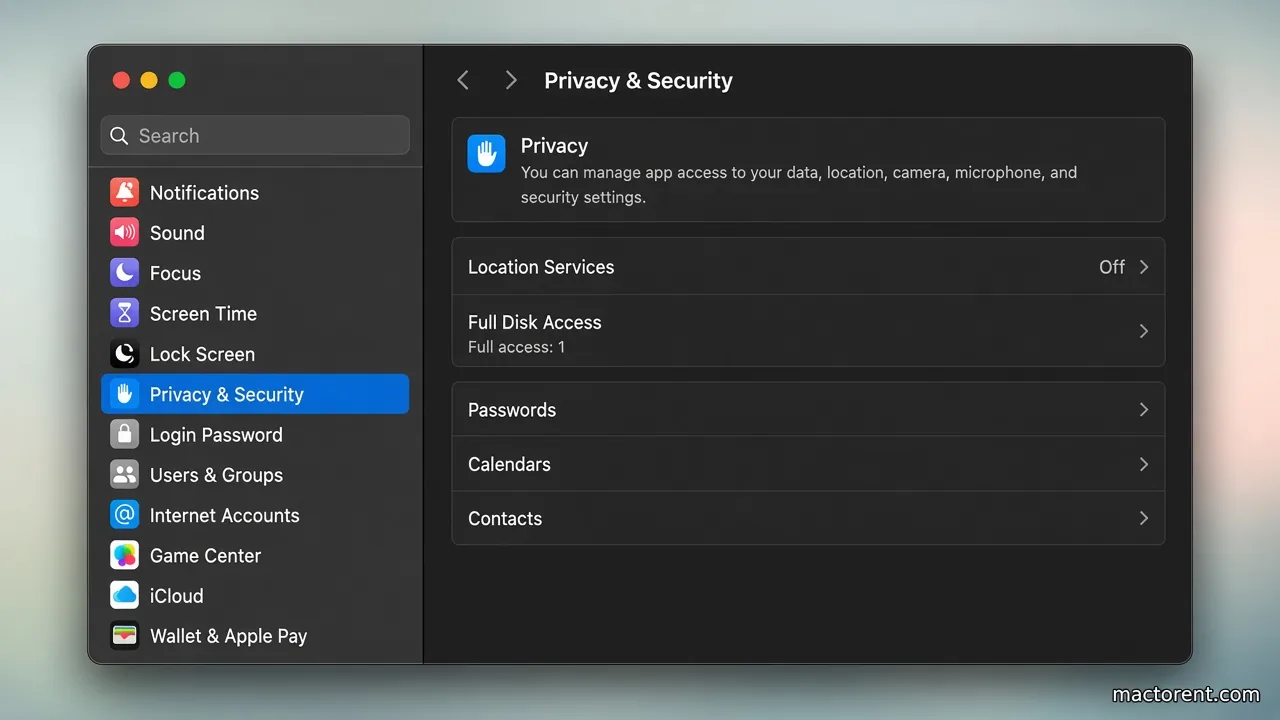
You can clear that flag for one app, allow the app from Privacy & Security, or turn the check off. Turning the check off applies to every app, so clear one app first when you can.
Clear quarantine for one app
This removes the quarantine flag from that app only. It does not work on a file that is still inside a disk image. Copy the app to the Desktop, or to Applications, and run the command on that copy. You can run it on the .dmg itself only before you open the image.
- Open Terminal. Spotlight finds it.
- Type the command below, then a space, then drag the app into the Terminal window. Terminal writes the path for you.
sudo xattr -r -c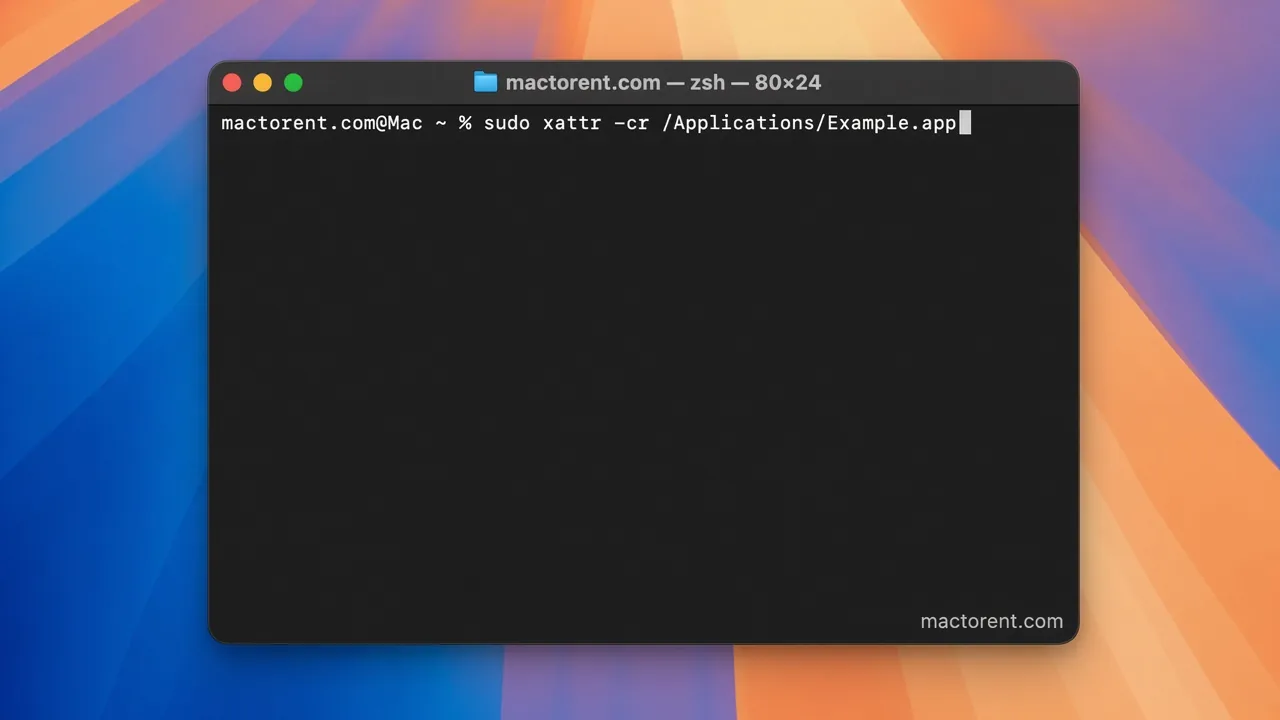
- Press Return and type your administrator password. Terminal does not show the password as you type. If the Mac has no password, set one first.
- Open the app and wait for the check to finish. A large app can sit on that check for up to half an hour.
Turn Gatekeeper off
This restores the old “Anywhere” choice under Privacy & Security, so macOS does not block apps by where they came from.
On macOS 10.12 through 10.15.7:
sudo spctl --master-disableOn macOS 11 and later:
sudo spctl --global-disable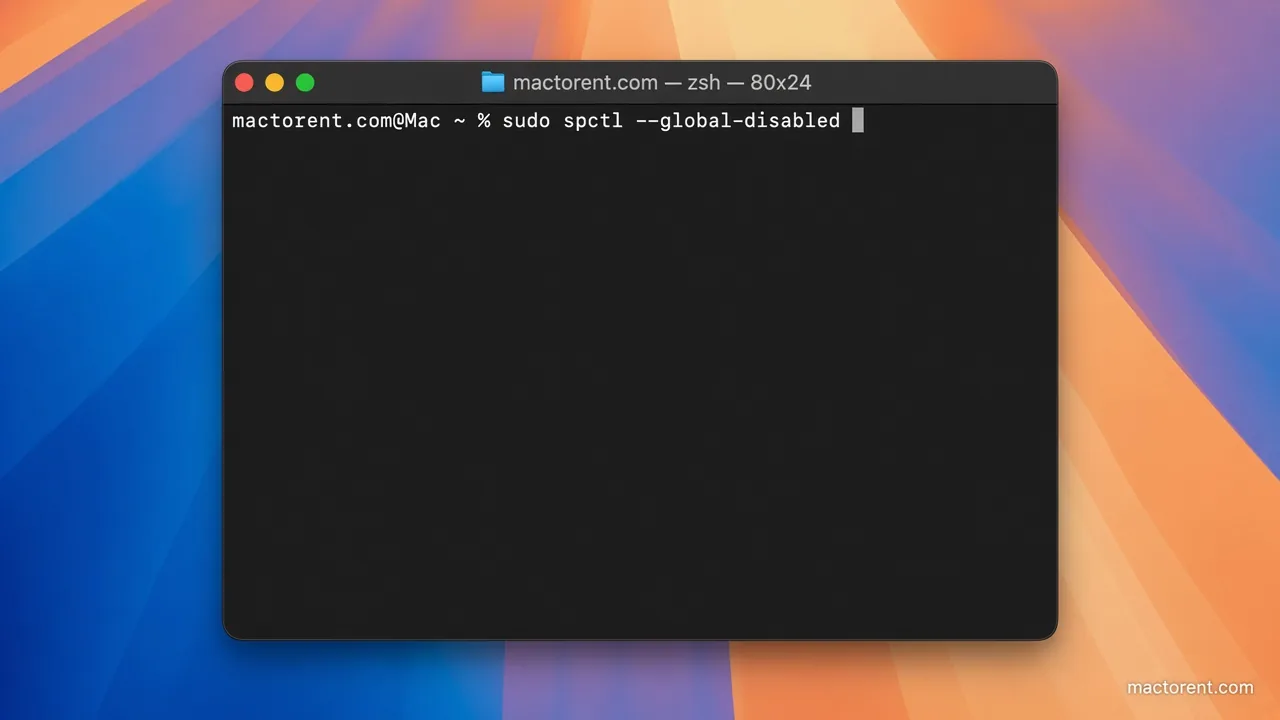
- Press Return and type the administrator password. It stays hidden.
- On macOS Sequoia, Terminal tells you to confirm the change in System Settings. Open Privacy & Security, find the Security section, and set “Allow applications from” to Anywhere.
- Enter the password you use to log in, then confirm with the button that allows apps from anywhere.
- Open the app again.
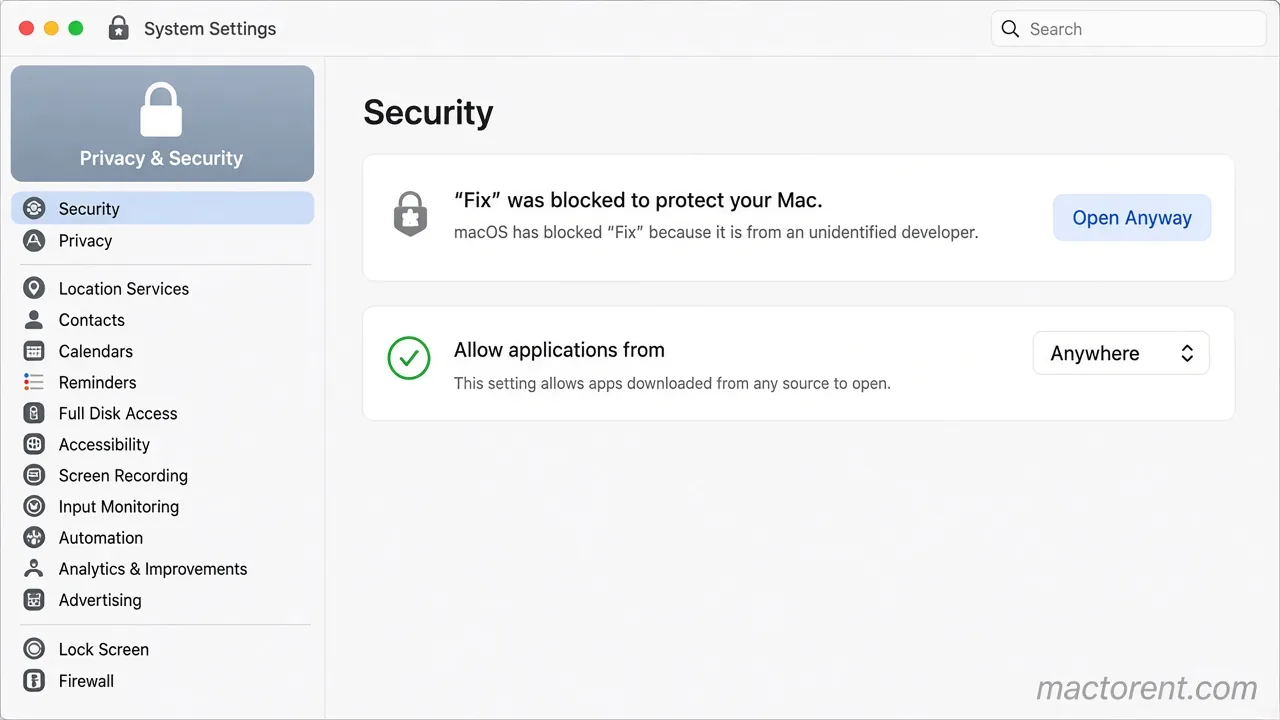
Open one blocked app without turning the check off
- Open System Settings.
- Open Privacy & Security.
- In the Security section, find the line that the file was blocked to protect your Mac.
- Click Open Anyway.
- Enter your login password.
- When macOS asks if you are sure, click Open Anyway again.
The app then opens. Apple’s description of Gatekeeper is on support.apple.com. The xattr command is documented on ss64.com.