What to use instead of Launchpad on macOS 26
macOS 26 removes Launchpad. The Terminal tricks that brought it back during the betas are blocked. Third-party launchers put an app grid or a search field in its place, and several of them do more than the old grid.
Prices below are what each publisher lists. They change. This page does not host those apps.
1. Alfred, with the launcher powerpack
A hotkey opens a search line that starts an app, finds a file, or calculates. It is faster than a full-screen grid. The publisher lists £34.
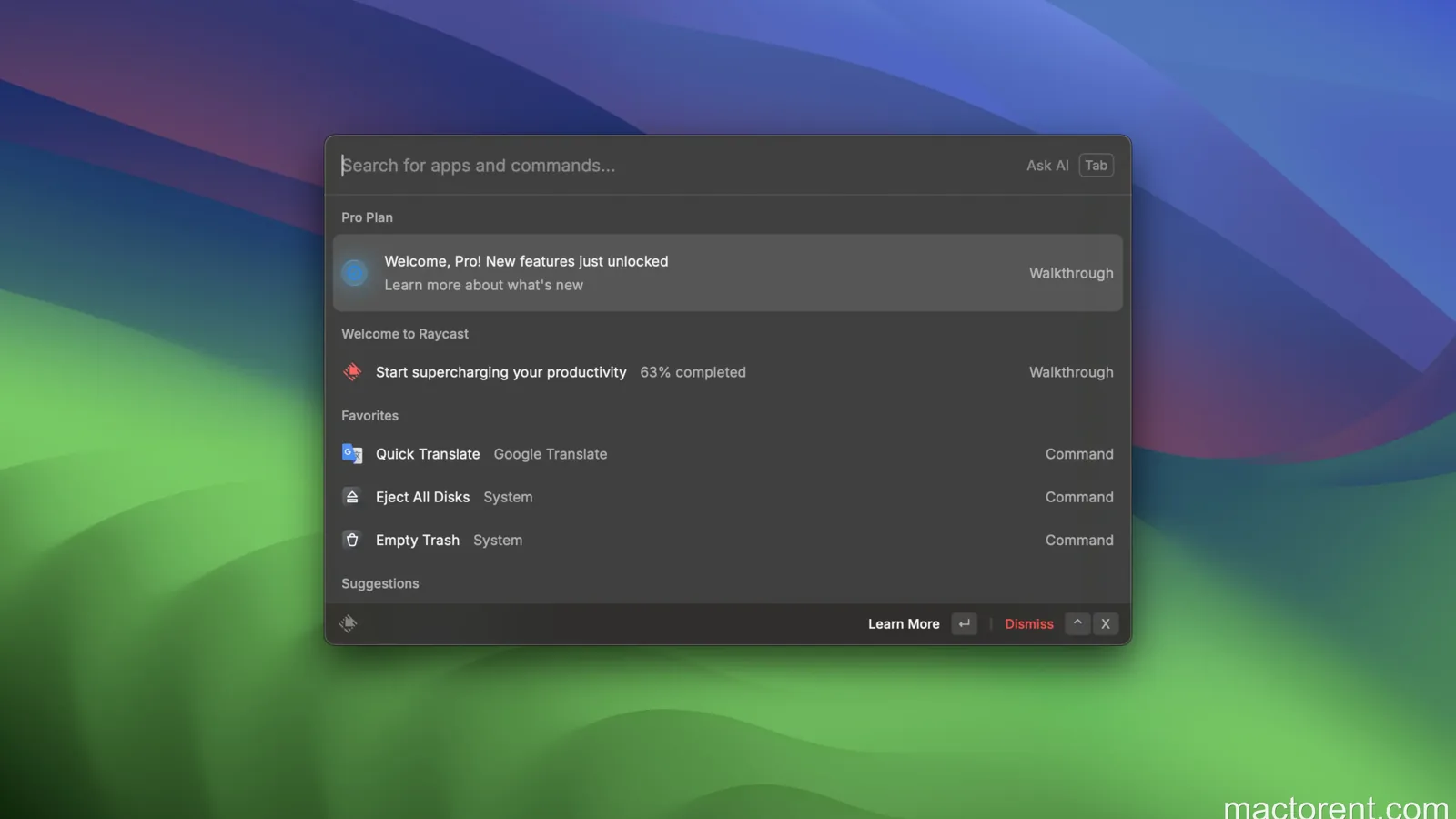
2. Raycast
The same idea as Alfred, with extensions for a calculator, window moves, emoji, and more. The publisher lists a Pro plan at $8 a month.
3. LaunchOS
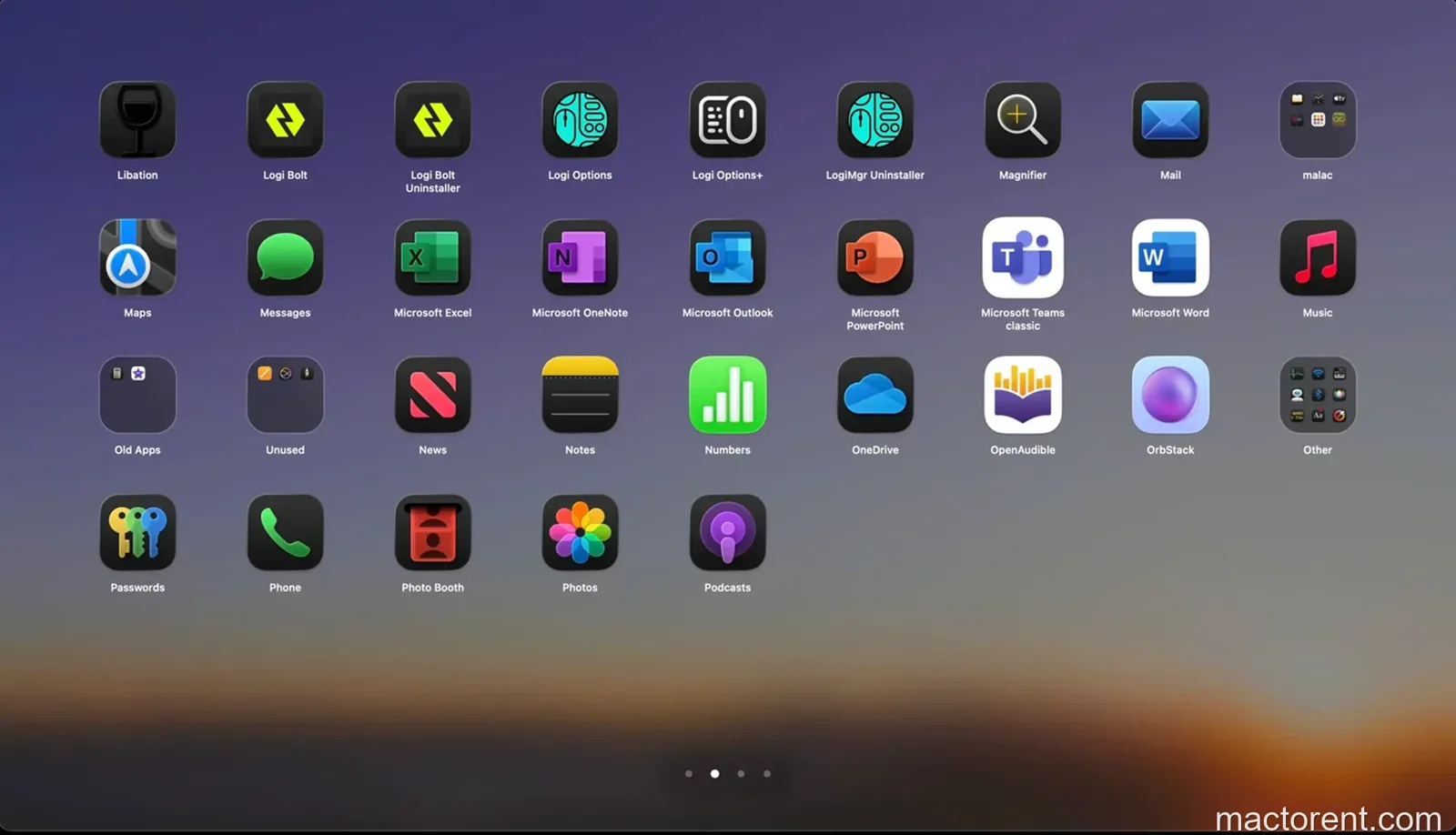
An app organizer that puts the old Launchpad look back: a grid of icons. The publisher lists a lifetime price of $5.59.
4. AppGrid
The closest copy of Launchpad: icons, folders, and gestures, plus settings for the grid and the background. The publisher lists $1.99 a month.
5. uLauncher
A light launcher on a hotkey, with search, folders, and a theme. The publisher lists it as free.
6. HotLaunch
Built for a short delay: a compact window, a dark theme, and gestures. The App Store lists a lifetime price of $9.99.
7. LaunchNow
Sorts apps by how often you open them, by install date, or by name. The project is on GitHub and is listed as free.
8. AppHub
A launcher that also shows app updates and a catalog. The publisher lists a lifetime price of $9.99.
9. BuhoLaunchpad
A small app whose only job is a fast Launchpad replacement. The publisher lists a lifetime price of $7.99.
10. Launchie
Colors, fonts, themes, and widgets for files, links, and frequent actions. The App Store lists a lifetime price of $14.99.
Losing Launchpad is a chance to pick a launcher that opens the app faster than the old grid. Try two of them before you pay for a lifetime license.