
Mac guides
Short instructions for the Mac settings that come up while installing an app: Rosetta 2, Terminal access, SIP, Launchpad, and Gatekeeper.
-
 Rosetta 2: what it is and how to install itRosetta 2 lets an Apple silicon Mac run an Intel app. Install it from the prompt, or with softwareupdate --install-rosetta in Terminal.
-
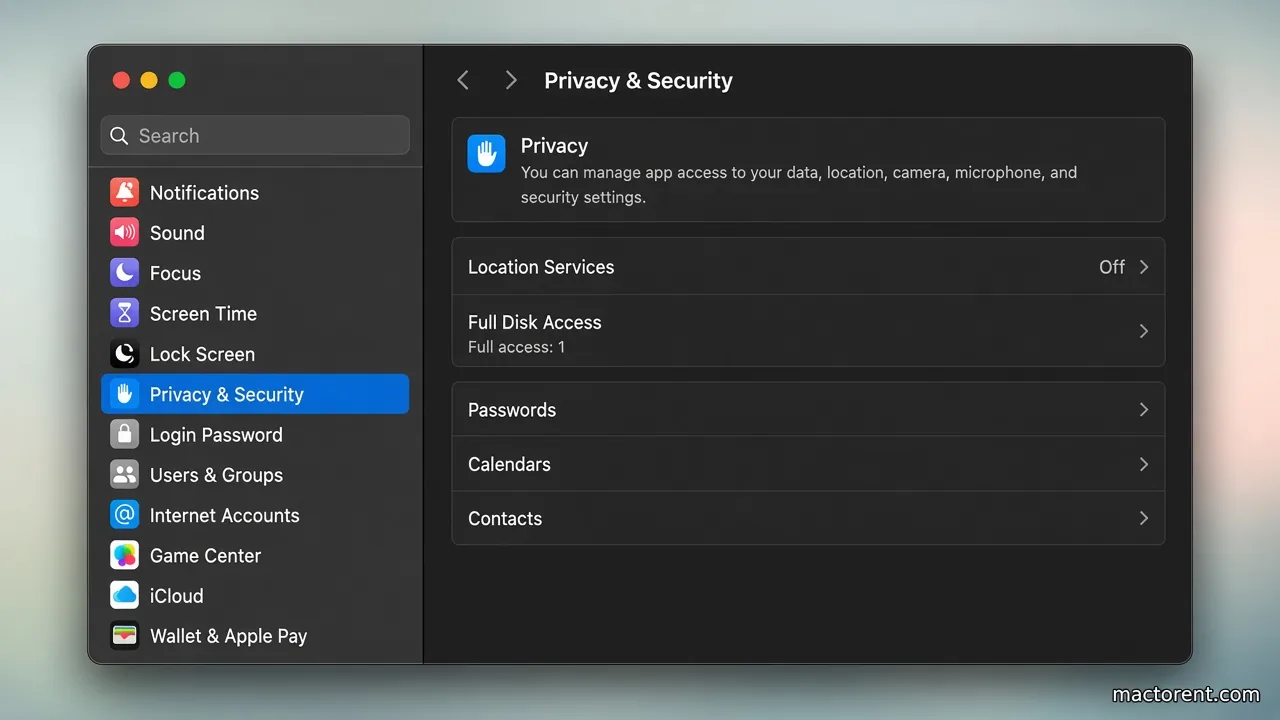 Give Terminal full disk access on a MacTurn on Full Disk Access and App Management for Terminal in Privacy & Security, on Ventura and later and on Monterey and earlier.
-
 SIP on a Mac: what it is and how to turn it offSystem Integrity Protection blocks changes to protected Mac files. Turn it off only from Recovery with csrutil, then turn it back on.
-
 What to use instead of Launchpad on macOS 26macOS 26 removed Launchpad. Ten third-party launchers that open apps from a hotkey or an icon grid, with the prices their publishers list.
-
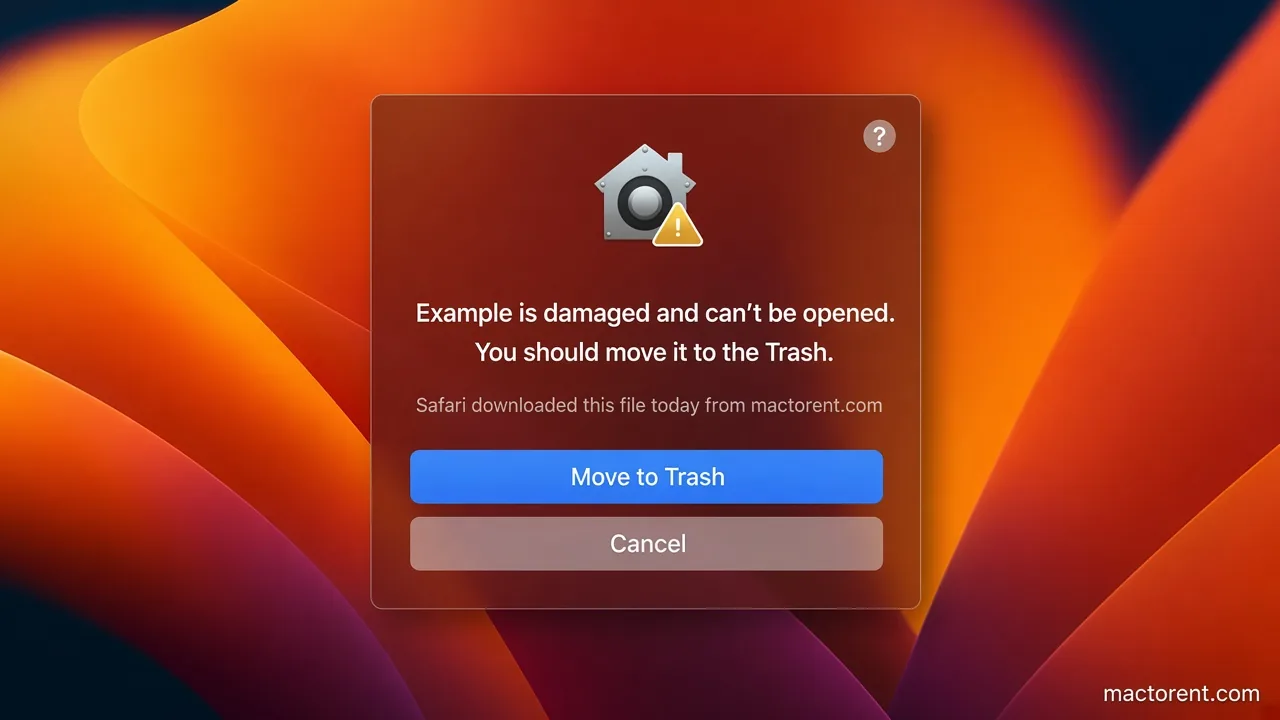 The app is damaged: Gatekeeper on a MacWhen macOS says an app is damaged, clear quarantine with xattr, allow it in Privacy & Security, or turn Gatekeeper off with spctl.