

CrossOver for running Windows programs on Mac
26.2.0CrossOver allows macOS users to run Windows applications directly on their Mac. It uses compatibility technology to launch programs without needing a full Windows operating system.
- Requires macOS 10.15 or later
- x86 (64-bit)
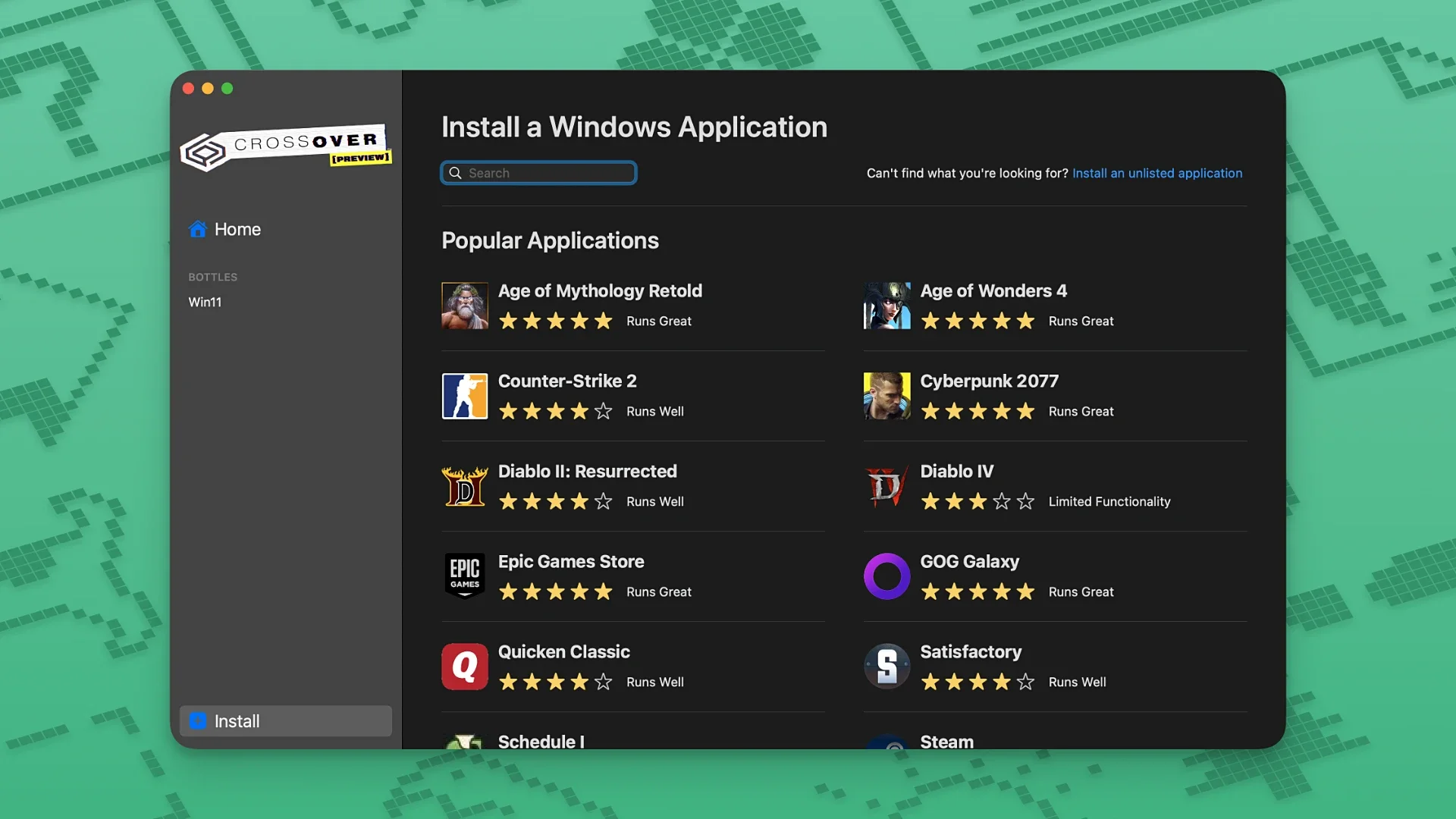
CrossOver for running Windows programs on Mac
CrossOver provides a way to use Windows software on a Mac. It translates Windows program calls into instructions macOS can understand. This build is version 26.2.0. You can run applications such as Microsoft Word, Excel, and Windows Media Player. The software does not require a separate Windows license or installation.
Build details and system requirements
This build is CrossOver version 26.2.0. It requires macOS 10.15 (Catalina) or a later version. The application is built for x86 (64-bit) architecture. The download consists of a torrent file containing four separate files needed for installation.
How CrossOver works without Windows
Developed by Codeweavers, CrossOver uses the Wine compatibility layer. It creates isolated containers, called bottles, for each Windows program you install. These bottles contain a simulated Windows C: drive, program files, and a registry. Because it is not a full virtual machine, launched applications typically run with better performance. Software support depends on the underlying Wine project's compatibility database.
Limitations
This page does not list the download size of the files. It does not specify which specific Windows applications are guaranteed to work. No information is provided about future updates or direct support from the developer.
FAQ
Open the disk image and run the included helper named Open Gatekeeper friendly. Press Return in the Terminal window, then drag the app onto the Applications folder. After you drag the app to Applications, copy the croslic folder from Extra onto the Desktop and open license.tool with Terminal. Type your Mac password. It stays hidden while you type.
Rosetta 2 lets an Apple silicon Mac run an Intel app. Install it from the prompt, or with softwareupdate --install-rosetta in Terminal. Read the guide.
Turn on Full Disk Access and App Management for Terminal in Privacy & Security, on Ventura and later and on Monterey and earlier. Read the guide.
System Integrity Protection blocks changes to protected Mac files. Turn it off only from Recovery with csrutil, then turn it back on. Read the guide.
macOS 26 removed Launchpad. Ten third-party launchers that open apps from a hotkey or an icon grid, with the prices their publishers list. Read the guide.
When macOS says an app is damaged, clear quarantine with xattr, allow it in Privacy & Security, or turn Gatekeeper off with spctl. Read the guide.
Related apps
More in Utilities
CleanMyMac torrent for Mac is the maintenance app: junk files, old installers and space you can give back.

Mac Cleaner Pro crack is the search.

Disk Drill crack for Mac scans a volume for files that were deleted but not yet overwritten.

Little Snitch crack for Mac stops an app and asks before it opens a connection out, then shows where that connection was going.
Comments
No comments yet. Yours can be the first.